
Graphic Design - Photoshop
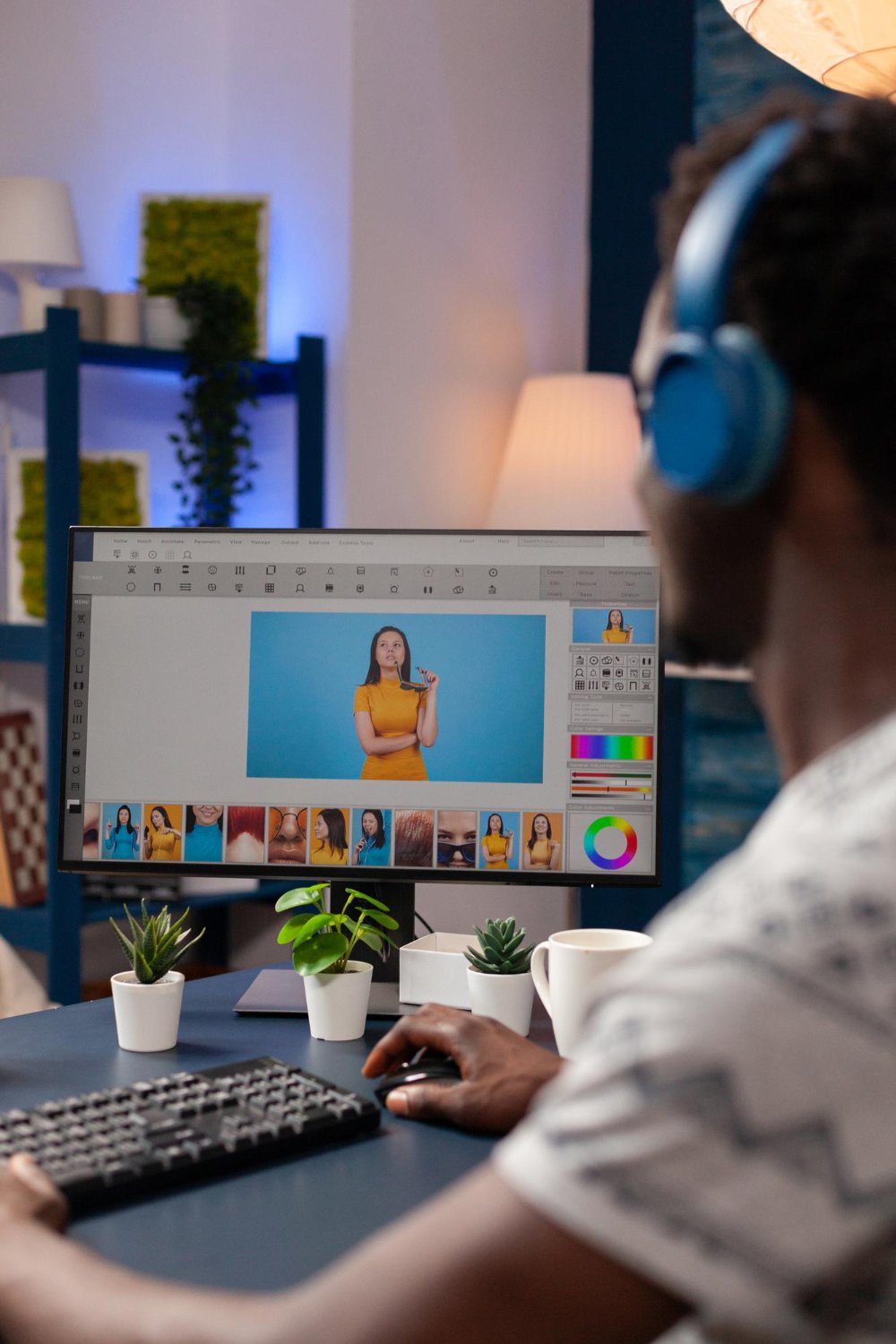
Graphic Design & Photoshop Course
Why Choose Our Graphic Design Course?
Graphic Design & Photoshop Course Modules
Master visual communication, photo editing, branding, and industry-standard design tools with hands-on projects.
01
Graphic Design Principles
- Fundamentals of visual hierarchy & balance
- Color theory, palettes & contrast rules
- Typography selection & layout techniques
02
Photoshop Interface & Essentials
- Workspace setup, artboards & shortcuts
- Understanding resolution, DPI & canvas size
- Layer management, groups & smart objects
03
Selections, Cutouts & Masking
- Pen Tool mastery & vector paths
- Layer masks & non-destructive editing
- Advanced subject selection & hair extraction
04
Photo Retouching & Manipulation
- Skin smoothing, blemish removal & frequency separation
- Color correction, grading & Camera Raw filters
- Object removal, clone stamp & generative fill
05
Branding & Logo Design
- Brand identity design & brand guidelines
- Vector logo creation techniques
- Business card, letterhead & stationery assets
06
Social Media & Digital Ad Design
- High-converting Meta & Google ad creatives
- Instagram carousel & story layout design
- YouTube thumbnails & channel banner artwork
07
Print Media & Packaging Design
- CMYK color mode & prepress print settings
- Flyer, poster, brochure & banner layouts
- Product packaging & box mockup creation
08
Compositing & Creative Effects
- Blending modes & double exposure effects
- Realistic lighting, drop shadows & reflections
- Matte painting & photo manipulation artwork
09
UI/UX & Web Graphics
- Website hero banners & landing page assets
- App screen UI mockups & wireframing
- Optimizing assets for web (PNG, JPEG, WebP, SVG)
10
Portfolio Building & Freelancing
- Behance & Dribbble portfolio showcase
- 3D realistic product & screen mockups
- Freelance client onboarding, pricing & pitching
Course Highlights
Everything you need to build real-world skills and boost your career.
Certification
Get an Industry-recognized certification to boost your resume.
Internship + Placement
Hands-on internship with placement assistance for career growth.
Live Campaigns
Work on real campaigns to gain practical industry experience.
Learn 20+ Tools
Master tools like Google Ads, Meta Ads, SEO platforms, and more.
Practical Sessions
Hands-on training with real-time projects and expert guidance.
Why Choose Crayons Digital?
Hands-On Learning
Learn by working on practical assignments instead of only studying theory.
Industry-Focused Curriculum
Learn tools, techniques and workflows relevant to today's digital industry.
Real-World Projects
Work on practical projects that help you understand how skills are applied professionally.
Career-Oriented Training
Develop practical knowledge and confidence for internships, jobs and freelance opportunities.